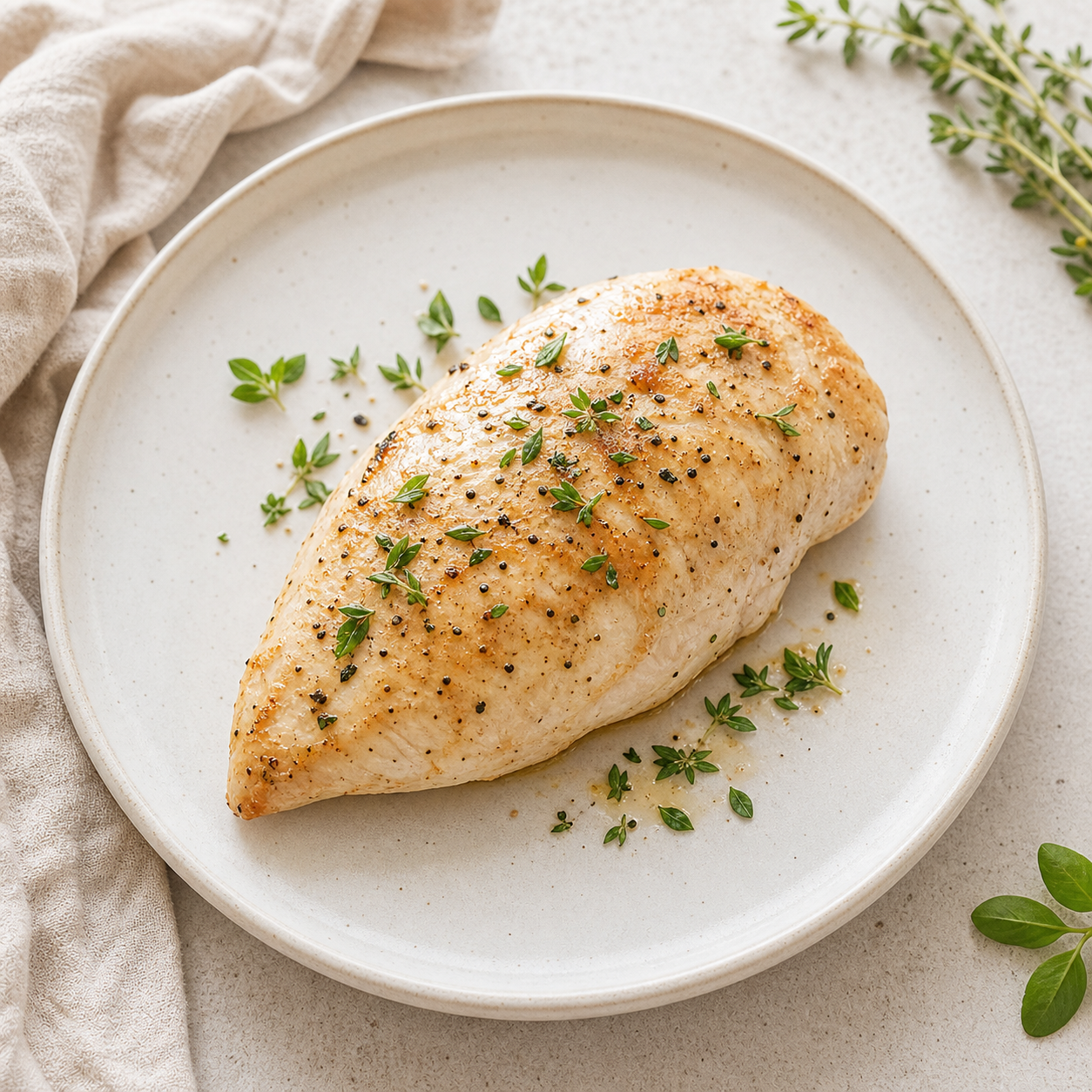
Point your camera at the plate. No searching a database, no barcodes.
AI calorie counter from a photo
Snap a meal and get calories and macros in seconds. No weighing, no database search — just one photo.
How it works
Three steps
SpoonCheck identifies the items and estimates the portion, calories and macros.
Adjust the portion if you want, then it's in your diary. Nutri keeps the tone calm.
Calories and full macros from a single picture of your plate.
Homemade dishes and loaded plates that databases handle badly.
Nutri frames food calmly — no streak-shaming, no 'bad foods'.
Count your next meal from a photo
FAQ
How does an AI calorie counter work?
You photograph your meal; the AI recognizes the food and estimates portion size, calories and macros, which you can fine-tune before logging.
Is counting calories from a photo accurate?
It's a fast, practical estimate — usually close enough for daily tracking, and you can adjust the portion. It removes the friction that makes people quit.
Do I need to weigh my food?
No. The photo estimates the portion for you. You can still nudge it up or down if you know it was larger or smaller.
Is SpoonCheck free?
SpoonCheck is free to start on iPhone, with an optional premium upgrade.
SpoonCheck is not a medical app and does not replace a healthcare professional. Nutrition estimates are for general wellness tracking.